
User manual for the Edifier S3000 Pro multimedia speaker and remote control, covering battery installation, audio connections, sound modes, and troubleshooting.
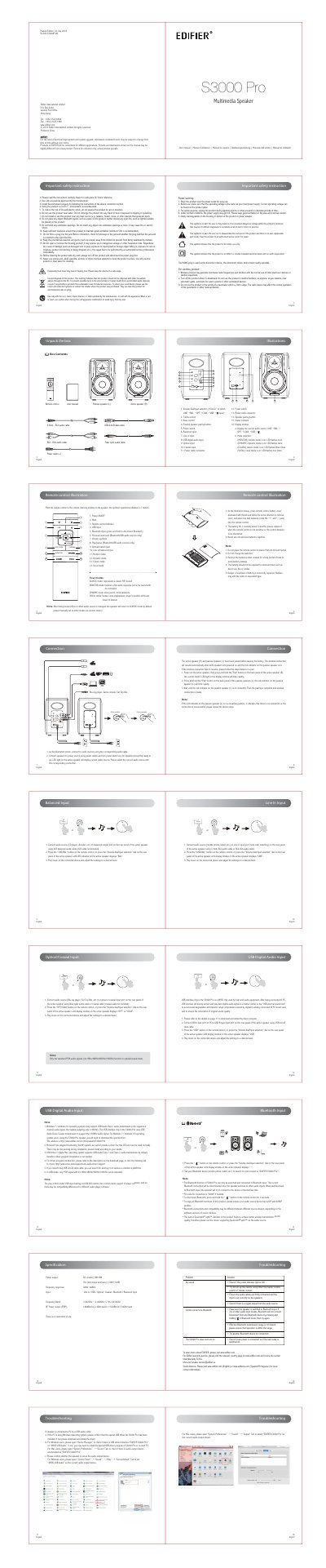
The Edifier S3000 Pro is a multimedia speaker supplied with a remote control, passive speaker (L), active speaker (R), audio cables, and a power cable. This user manual (Edition 1.0, July 2018) explains how to unpack the box, install two AAA batteries in the remote control, and connect audio sources.
It describes the remote control buttons and rear panel controls, the display window, and the Line In, balanced XLR, optical/coaxial, USB digital audio, and Bluetooth inputs. It also covers the Classic, Monitor, Dynamic, and Vocal sound modes, troubleshooting, and important safety instructions.
| Remote control battery | Two AAA batteries |
|---|---|
| Battery life | About 6 months |
| Remote control operating distance | 7 meters |
| USB PCM sampling rates | 44.1 kHz, 48 kHz, 96 kHz, 192 kHz |
| Bluetooth profiles | A2DP and AVRCP |
| Bluetooth PIN code | 0000 |
Press the battery cover downward with your thumb, remove the cover, and insert two AAA batteries matching the + and - poles.
Set your Bluetooth device to search for and connect to “EDIFIER S3000 Pro”; the PIN code is “0000” if needed.
For Windows 7 or Windows 10, you need to download the special driver from Edifier to use USB Audio Class 2 and 192 kHz audio; Mac OS does not require driver installation.
Four modes: Classic, Monitor, Dynamic, and Vocal.