
This user manual for the EDIFIER R26BT multimedia speaker covers setup, Bluetooth pairing, audio connections, and troubleshooting.
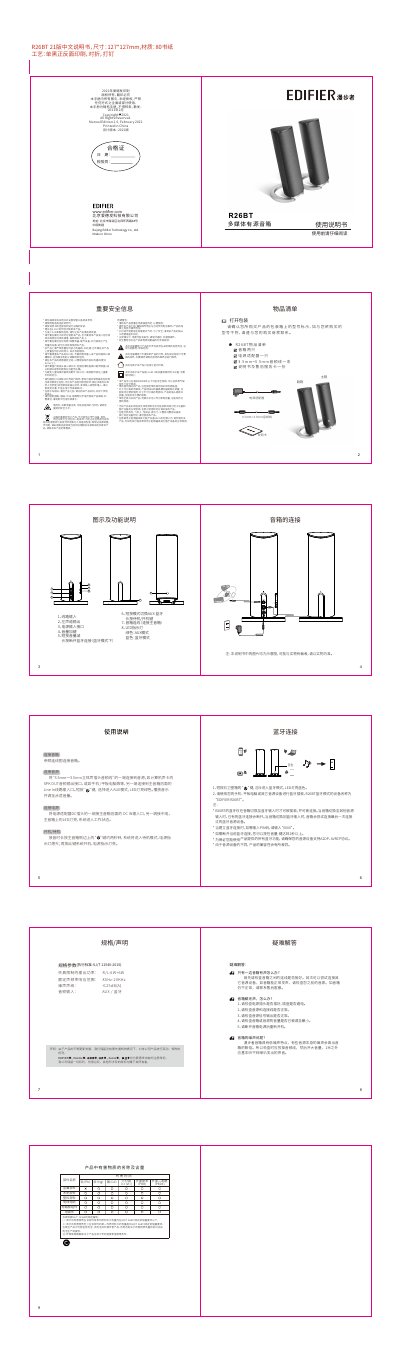
The EDIFIER R26BT is a two-channel multimedia active speaker system. This manual provides instructions on connecting the power adapter, auxiliary input cable, and linking to external audio sources like computers or mobile devices via the 3.5mm line-in port.
The device supports Bluetooth connectivity for wireless audio streaming. Users can switch between AUX and Bluetooth modes using the mode button, with LED indicators showing the active state (green for AUX, blue for Bluetooth). The manual also details how to pair devices by searching for "EDIFIER R26BT" and entering the PIN code 0000. This manual is written in Chinese.
The blue LED indicates that the speaker is in Bluetooth mode.
The existing Bluetooth connection will disconnect when the speaker switches to a different audio input.
Press and hold the side button for about two seconds to enter standby mode (LED off), then press it again to power on.