
This manual provides setup, operation, and troubleshooting instructions for the Edifier R1280T Multimedia Speaker, including safety warnings and specifications.
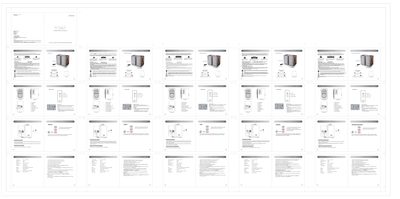
This user manual covers the Edifier R1280T Multimedia Speaker, offering guidance on unpacking, safety precautions, and operational setup. It includes detailed instructions for connecting audio sources and using the remote control to adjust volume, treble, and bass. The document also features a troubleshooting section to help resolve common issues such as no sound or low volume.
| Power output | RMS 21W × 2 (DRC ON) |
|---|---|
| Signal to noise ratio | ≥85 dBA |
| Distortion | ≤0.5% |
| Frequency response | 75 Hz ~ 18 KHz (+/-9dB) |
| Input type | RCA stereo input |
| Input sensitivity (PC) | 750 mV ± 50 mV |
| Input sensitivity (AUX) | 550 mV ± 50 mV |
| Treble unit | Φ13mm silk dome tweeter |
| Bass unit | 4 inch (116mm) |
| Dimensions | 146 mm (W) × 234 mm (H) × 196 mm (D) |
| Weight (net/gross) | Approx. 4.9 kg / 5.65 kg |
Check if the power supply is connected and the wall outlet is on. Turn off and on the system, then reconnect the audio source.
Use the master volume/treble/bass dial or the remote control to adjust the settings.
Visit the Edifier website at www.edifier-international.com/warranty-terms for applicable warranty terms.