
This user manual provides instructions for charging, operating, and troubleshooting the Edifier Extreme Connect MP260 portable multimedia speaker.
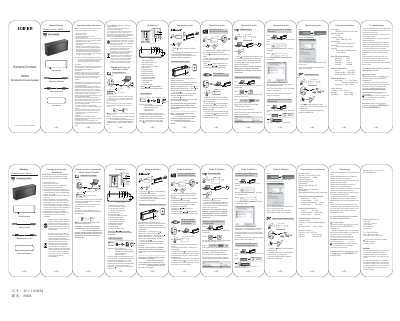
This document is the user manual for the Edifier Extreme Connect MP260 Portable Multimedia Speaker. It details the unboxing process, safety warnings, and the layout of the speaker's controls and ports. The manual explains how to charge the device using the included USB-Micro USB cable and how to power it on and off.
| Power output | RMS 2W×2 (THD+N=10%, f 0=1KHz) |
|---|---|
| Signal to noise ratio | 85 dBA |
| Frequency response | 190Hz~18KHz (@+/-6db) |
| Input sensitivity | 500mV ± 50mV (THD+N=1%) |
| Micro SD card specification | MAX capacity: 32GB |
| Bluetooth Specification | Version: V2.1+ EDR |
| Active drivers | 2 × 1¾ inch (48mm), magnetically shielded, 4ohm |
| Passive driver | 50mm × 90mm |
| Product Dimension | 159.4(W) × 61(H) × 42(D) mm |
| Net Weight | Approx. 0.42kg |
It takes about 6 hours to fully charge the speaker before the first time use.
The PIN code for connection is 0000 if needed.
The maximum capacity for the Micro SD card is 32GB.
The supported file formats are MP3 and WMA.