
User guide for Digi-Star EZ3600 TMR feeding system covering startup, data transfer, feeding management, and safety instructions.
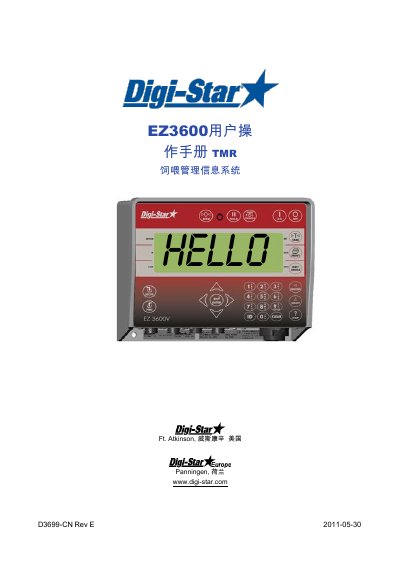
This manual provides step-by-step instructions for operating the Digi-Star EZ3600 TMR feeding management system. It covers system startup, data transfer via USB or DataLink, feeding management including recipe adjustment and group feeding, and safety precautions. The manual also includes common shortcut codes for functions like pre-alarm settings, error tolerance, and interval timing. Safety warnings address proper handling during welding or cleaning to avoid damage to sensors or electronics.
The document is intended for users of the TMR feeding management system and includes technical specifications and compliance declarations for EU standards, including EN 61326 and EN 55011. This manual is written in Chinese.
| Model Series | EZ2400, EZ2400V, EZ3400, EZ3400V, EZ3600, EZ3600V, EZ4600, SW2600EID, SW4600EI D, RD2400V, CAB CONTROL 2400\ 2400V \3400\ 3400V \3600\ 3600V |
|---|---|
| Compliance Standards | EN 61326, EN 55011 |
| Manufacturer | Digi-Star, LLC |
| Manufacturing Date | 2008 |
Press the power button, enter the user password if required, then press the start button for three seconds to auto-zero the scale.
If the RESIZE function is activated, you can adjust the recipe amount by entering a new value or keeping the original. The scale computer will recalculate the recipe.