
Introduces the features, operation methods, installation and connection of the Digi-Star EZ2000/EZ2000V series electronic scales
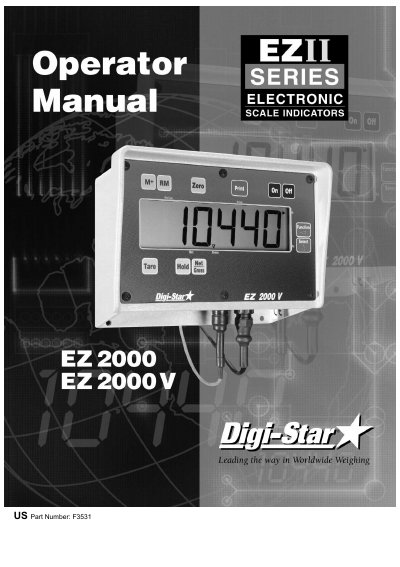
The Digi-Star EZ2000 and EZ2000V are electronic scales designed for weighing applications, featuring a large display, fiber-optic back lighting, and a powerful microprocessor. The device supports both Gross and Net weighing modes, as well as Hold, Tare, and memory functions. It includes optional features such as a remote display, radio control, and a mixer timer.
| Temperature range | -20 #F to 140 #F |
|---|---|
| Power requirements | 10.2Vdc - 16Vdc |
| Power on current | 160mA |
| Power off current | 1mA |
| Size | 10" × 7.4" × 5" |
| Weight (unpacked) | 4.5 lbs |
| Environmental enclosure | IP65, IEC529 |
Press the power button. A brief message will be displayed, and the scale enters the GROSS weighing mode.
Press and then within three seconds, press the ZERO key to balance off empty trailer, bin, or platform weight.
The message INDICATOR CANNOT BE ZERO/BALANCED-LOW BATTERY VOLTAGE is displayed, and LO BAT appears periodically.
Assign the TIMER operation to the FUNCTION key, enter the time using SELECT and FUNCTION keys, then press the key to start.