
Digi-Star GT400 Weighing Instrument User Manual

Introduction to the use and precautions of GT400 weighing instrument.
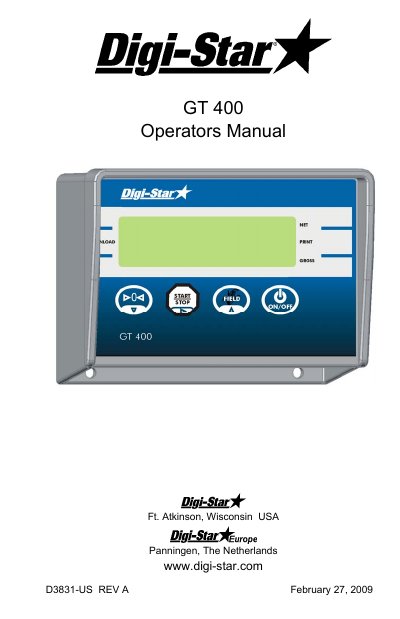

Digi-Star GT400 Weighing Instrument User Manual - cover page
Brand
DIGI-STAR
Category
Industrial Robot
Document type
User Manual
Language
English
Pages
19
File format
PDF
File size
359 KB
Published
18 October, 2023
Updated
18 October, 2023
Model
GT400
MD5 checksum
411BF440C93328C1988249437E92A2CD

About this manual

This manual provides step-by-step instructions for operating the Digi-Star GT400 weighing instrument, including turning it on and off, zero balancing, loading and unloading, and setting field IDs. It also covers calibration procedures, charging the battery, and connecting power and load cells. The manual includes sections on print accumulation and serial communication for data output. Installation details, including mounting options and wiring, are provided for proper setup.

What's inside

  • Charging Battery or Welding
  • Indicator Overview
  • Operation
  • Turning On the Scale
  • Zero Balancing
  • Loading and Unloading
  • Field ID
  • Print Accumulation
  • Print Formats
  • Saving/Printing Gross Weights

Frequently asked questions

What must be disconnected before charging the battery or welding?

Disconnect all indicator leads before charging battery or welding.

What is the voltage of the power cord connection on the bottom panel?

The power cord connection is +12 VDC.

How long must you press the button to turn off the scale?

Press until “ BYE” is displayed to turn off the scale.

What is the purpose of the CAL number on the GT400?

The CAL number is adjusted to make scale read proper weight for different load cells and to make accuracy adjustments on a scale system.

Download PDF (359 KB)

More DIGI-STAR Manuals


View all DIGI-STAR manuals →