
Digi-Star EZ3600 getting started guide for TMR Tracker feed management: programming recipes, loading and feeding recipes, and common direct-access settings.
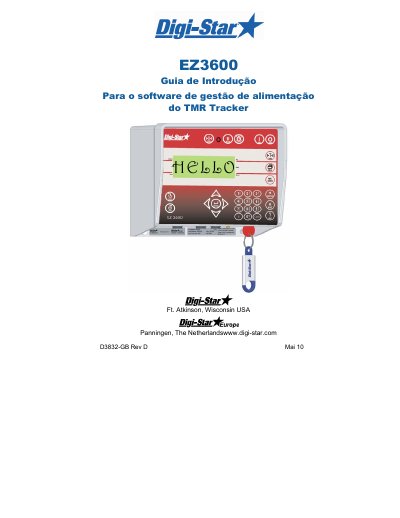
This Digi-Star getting started guide (document D3832-GB Rev D) introduces the EZ3600 weighing indicator used with the TMR Tracker feed management software. It covers safety during use, switching the indicator on and zeroing the scale, the three ways of entering recipe ingredients (quantity per animal, percentage per ingredient, total quantity per ingredient), changing, deleting and selecting recipes, loading and feeding a recipe, and the commonly used direct access numbers such as pre-alarm, tolerance, delay, time and date.
Safety notes state that the weighing system must be checked with a known weight before use, that the indicator must not be cleaned with running water or high-pressure equipment, and that all weight bars must be removed (or the ground clip placed close to the weld point) before welding. The page footers refer to the EZ3600 User Manual D3715-GB Rev D, and the guide closes with the direct access number procedures. This manual is written in Portuguese.
| Recipe programming methods | 3 (quantity per animal, percentage per ingredient, quantity per ingredient) |
|---|---|
| Tolerance setting options | OFF, 0.5, 1 - 5, 7 or 10 (percent of desired ingredient quantity) |
| Delay time options | MANUAL, 1, 2, 3, 5, 7, 10, 20, 30 or 60 seconds |
In three different ways: quantity per animal (standard), percentage per ingredient, or quantity per ingredient.
Enter 441 and press enter, then press repeatedly to select the required method (1, 2 or 3) and confirm.
No, only the ingredient quantities can be changed; to add new ingredients the recipe must first be deleted and programmed again.
With the recipe number displayed, press and hold until "press zero to delete recipe" appears, then press zero to delete it.