
The manual introduces how to use the EZ2400(V) weighing computer, including installation, operation and troubleshooting.
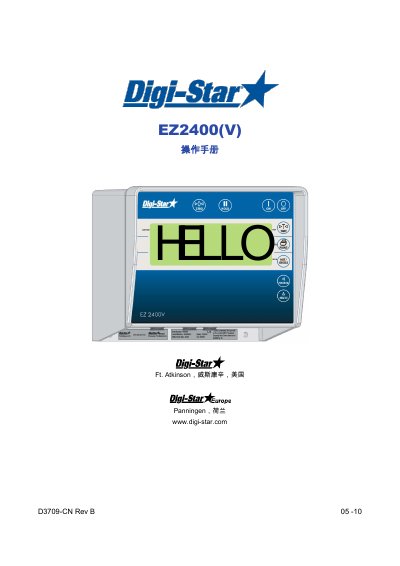
This document is the Chinese operator's manual for the Digi-Star EZ2400(V) weighing computer. It describes cab synchronous wireless control, safety precautions, pre-use checks, cleaning, an overview of the weighing computer and its ports, and step-by-step operation including tare, net/gross weighing, printing, stored memory weighing, average weight calculation, and other functions.
It also covers installation of the weighing computer and load cells, wiring and junction box connections, changing system parameters and weighing units, troubleshooting, optional equipment such as data download, transmitter/receiver, and wireless displays, and an EU declaration of conformity. This manual is written in Chinese.
| CAB wireless communication | 2.4 GHz |
|---|---|
| CAB wireless range | Up to 300 m |
| CAB power supply | 12 to 24 V DC |
| Weighing computer power input | 12 to 24 V DC |
| Transmitter/receiver wireless range | About 50 m |
| Load cell junction box capacity | Up to 4 sensors |
| RD440 wireless display height | 1 in (2.5 cm) |
| RD2400V wireless display height | 1.7 in (4.3 cm) |
| RD4000 wireless display height | 4 in (10 cm) |
Press and hold the tare key for 3 seconds.
Press the key to display the sum of all added materials; press it again to return to net mode.
It connects to a 12 to 24 V DC power supply.
Up to 300 meters.