
This manual introduces the installation and use of the Digi-Star ERM-WIFI wireless module. The module can be connected to various digital indicators (such as EZ3, 10, GT 560) to transfer display data to mobile devices.
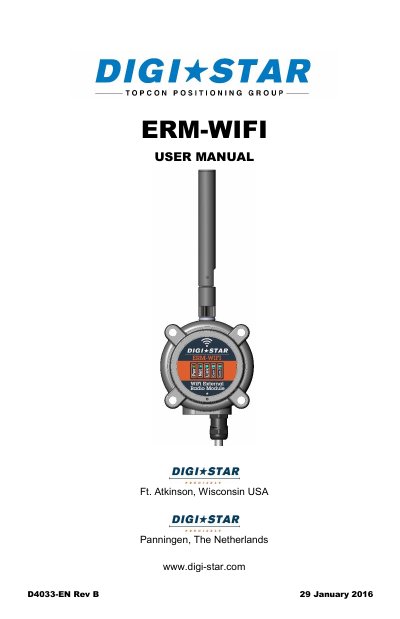
This manual provides step-by-step instructions for installing and operating the Digi-Star ERM-WIFI wireless module, designed exclusively for use with Digi-Star scale indicators. It covers hardware and software requirements, mobile device compatibility, line-of-sight communication, LED status indicators, hotspot setup, mounting options, and troubleshooting. The module enables wireless control via Digi-Star mobile apps on iOS and Android devices, but does not provide internet connectivity.
The ERM-WIFI requires a J905 serial port and compatible software (EZ29B or newer) on the indicator. Mounting is flexible using hook-and-loop fasteners or bolts, with antenna orientation critical for optimal performance. Troubleshooting steps are provided for common issues like failed bootup or communication failure.
Android tablets and phones require Android version 4.0.3 or later. Apple iPhones and tablets must be running iOS version 7.0 or newer.
No, the ERM-WIFI Hotspot does not provide internet connectivity. Devices connected to it cannot access the internet or check emails.
The indicator must run “EZ29B”, “512 8.J” or newer software to be compatible with the ERM-WIFI.