
The Canon RF50mm F1.8 STM User Manual explains installation, safety, operation, and specifications for the lens.
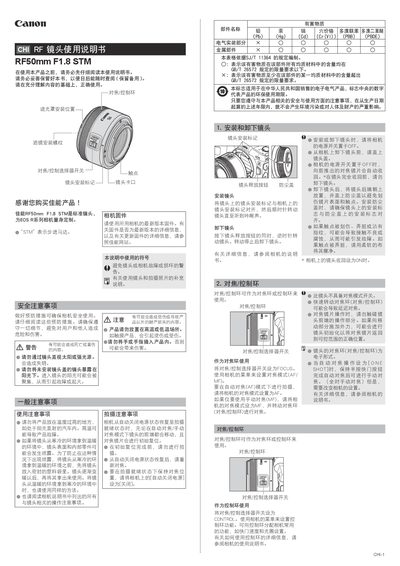
This manual provides instructions for using the Canon RF50mm F1.8 STM standard lens designed for EOS R series cameras. It covers safety warnings, proper handling, and detailed usage steps.
Key sections include general precautions, lens installation and removal, focus/control ring functions, accessory mounting (hood, filters), and a full specifications table. The guide also notes compatibility limits such as the inability to use teleconverters. This manual is written in Chinese.
| Focal length | 50mm |
|---|---|
| Maximum aperture | f/1.8 |
| Minimum aperture | f/22 |
| Minimum focusing distance | 0.30 m |
| Maximum magnification | 0.25x |
| Filter thread diameter | 43 mm |
| Maximum diameter × length | 69.2×40.5 mm |
| Weight | ≈160 g |
Align the lens mount mark with the camera’s mount mark and rotate the lens clockwise until you hear a click.
Do not look directly at the sun through the lens, avoid exposing the lens to extreme temperatures, and keep it away from bright light sources that could cause damage or injury.
No, teleconverters such as the 250D/500D cannot be attached because the lens does not have a compatible mount.
The filter thread diameter is 43 mm.