
Quick installation guide for the Canon BJ inkjet printer covering setup, driver installation, and basic operation.
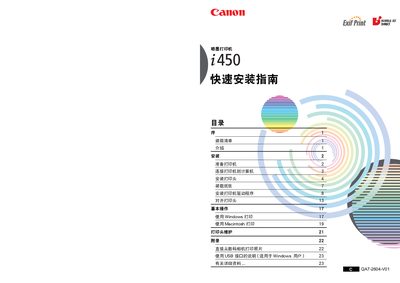
This guide walks you through unpacking the Canon BJ printer, connecting it to a computer via USB, loading paper, and installing the printhead. It also includes instructions for installing the printer driver and aligning the printhead for optimal print quality.
Additional sections cover basic printing from Windows and Macintosh, printhead maintenance, and an appendix with direct camera printing and USB interface details for Windows users. This manual is written in Chinese.
| Power Supply (Low Voltage) | AC 100-127V, 50/60Hz |
|---|---|
| Power Supply (High Voltage) | AC 220-240V, 50/60Hz |
| Printer Model Code | K10224 (i450) |
| Supported Exif Version | 2.2 |
The printer can operate on AC 100‑127 V at 50/60 Hz or AC 220‑240 V at 50/60 Hz.
Use a USB cable to connect the printer to the computer, ensuring any grounding connector is also attached.
Yes, the printer supports Exif version 2.2 for enhanced image data transfer from compatible cameras.