
This quick start guide shows how to install, set up, and operate the C9732 dash cam, including SD card handling and video recording functions.
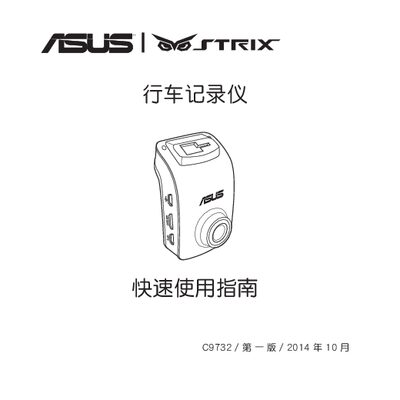
The C9732 dash cam is a compact vehicle‑mounted camera that records video while the vehicle is running. It features a micro‑SD card slot, HDMI output, GPS, and various recording modes.
The guide covers installing the dash cam and its accessories, inserting and formatting a micro‑SD card, configuring date/time and video settings, recording and playing back footage, and managing files such as deleting or protecting recordings. This manual is written in Chinese.
| Supported video resolutions | 1080P_HDR/30FPS, 1080P/30FPS, 720P/60FPS, 720P/30FPS |
|---|---|
| Recommended micro SD card class | Class 10 |
| Supported micro SD capacities | 8 GB – 64 GB |
Enter the Settings menu, select the Format option, and confirm to format the micro SD card.