
The Cardo PACKTALK SLIM user manual explains setup, Bluetooth pairing, voice commands, and troubleshooting for the motorcycle helmet communication system.
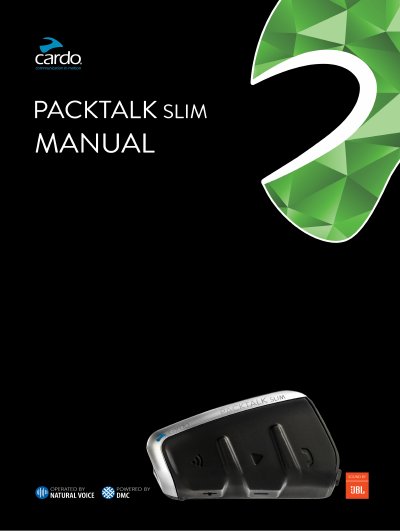
This manual introduces the Cardo PACKTALK SLIM communication and entertainment system designed for motorcycle helmets. It covers installation, registration, and basic operation, and notes compatibility with most helmets, especially HJC models. The guide also points users to online resources for updates and support.
The document details how to charge the unit, turn it on and off, pair Bluetooth devices, use voice commands, and operate audio functions such as music streaming, FM radio, and intercom modes. Troubleshooting steps, LED status indicators, and personalization options are also provided, along with a glossary of terms and support information.
| Initial charging time | At least 4 hours before first use |
|---|---|
| Battery status query | Say "Hey Cardo, battery status" |
| Power on | Press both buttons for 1 second |
| Power off | Press both buttons for 1 second |
| LED charging indicator | Red LED on – charging; Red LED off – charging complete |
Say "Hey Cardo, battery status" and the unit will announce the current battery level.