
This manual provides installation, usage, settings, and maintenance instructions for the Thinkware F800 Pro dashcam.
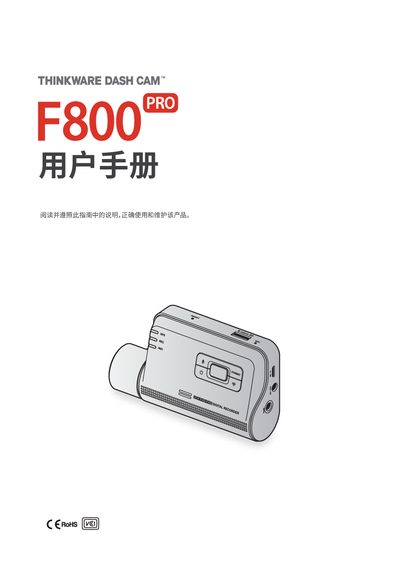
The Thinkware F800 Pro is a vehicle dashcam designed to record video while the vehicle is running. It includes a front camera and an optional rear camera, and supports features such as parking mode, GPS, and cloud services.
The manual covers safety information, product overview, step‑by‑step installation, recording functions, mobile and PC viewer usage, detailed settings, firmware upgrades, troubleshooting, and full technical specifications. This manual is written in Chinese.
| Dimensions / Weight | 107 x 60.5 x 30 mm / 104.5 g |
|---|---|
| Supported Memory Card | MicroSD 16‑128 GB (UHS‑I) |
| Video Resolution | Full HD 1920×1080, H.264, MP4 |
| Maximum Frame Rate | 30 fps |
| Camera Sensor | 2.13 MP 1/2.9" Sony Exmor R STARVIS |
| Field of View | ≈140° diagonal |
| Audio Codec | HE‑AAC |
| Power Input | DC 12/24 V |
| Operating Temperature | -10 °C to 60 °C |
| Storage Temperature | -20 °C to 70 °C |
It supports MicroSD cards of 16 GB, 32 GB, 64 GB, or 128 GB (UHS‑I).