
Step‑by‑step guide for programming, testing and troubleshooting the SECURIKEY+ vehicle security system.
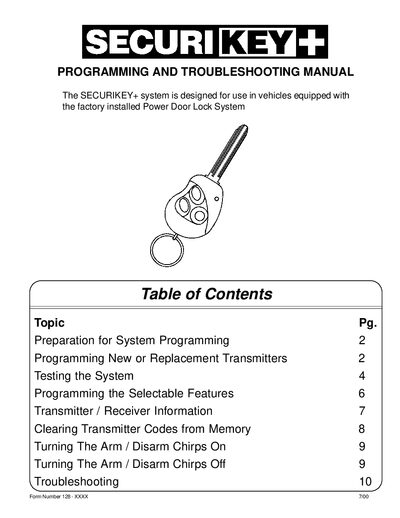
This manual explains how to prepare the SECURIKEY+ system for programming, add new or replacement transmitters, and test the alarm functions. It also covers the selectable features that can be customized via the valet switch and transmitter buttons.
Detailed troubleshooting procedures are provided for common issues such as non‑functioning transmitters, missing chirps, and horn problems, along with instructions for clearing all stored transmitter codes and resetting the system.
| Receiver channels | 6 |
|---|---|
| Transmitter channels | 7 |
| Memory positions per channel | 4 (A‑B‑C‑D) |
| Maximum stored transmitter codes | 24 |
Chirps are controlled by the LED/valet switch in combination with the ignition key. Ensure the valet switch is set correctly and follow the procedure on page 9 to turn chirps on; otherwise the 3‑chirp intrusion and 4‑chirp defective‑zone signals will always remain active.