
This guide provides instructions for connecting and configuring the BUFFALO LPV3-U2S print server to share a USB printer over a network.
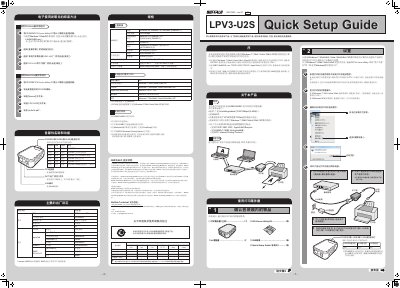
This document is a Quick Setup Guide for the BUFFALO LPV3-U2S print server. It details the steps required to connect the device to a network and a printer, and to configure it for sharing the printer over a network. The guide covers initial setup, IP address configuration, and printer driver installation for Windows 7, Vista, and XP operating systems. This manual is written in Chinese.
| Supported Protocols/OS | TCP/IP, AppleTalk, Bonjour, IPP |
|---|---|
| Printer Interface | USB Revision 2.0 |
| LAN Interface | IEEE802.3u(100BASE-TX), IEEE802.3(10BASE-T) |
| Transmission Speed | 100/10Mbps |
| Power Consumption | Max 3.35W(5V) / Max 670mA |
| Operating Temperature | 0~40℃ |
| Dimensions | 82(W)×29(H)×60(D)mm |
Press and hold the INIT switch for more than 3 seconds.
The device supports Windows 7 (32bit), Windows Vista (32bit), and Windows XP for setup and printing.
Only one printer that supports USB 2.0 or USB 1.1 can be connected.
The maximum power consumption is 3.35W at 5V.