
This document is the user manual for the USB 3.0 Express Card IFC-EC2U3/UC. The manual provides information on recommended usage, common issues, specifications, and features of the product.
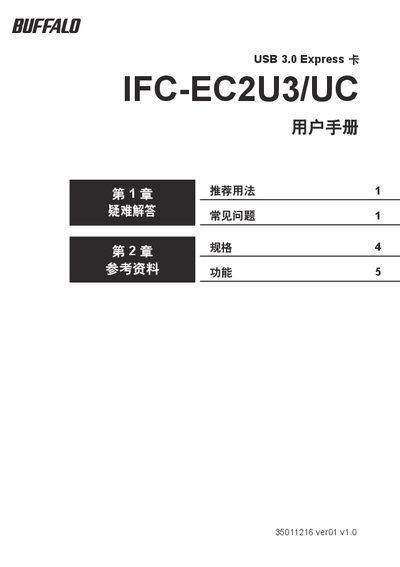
This manual explains how to install and use the Buffalo IFC-EC2U3/UC USB 3.0 Express Card. It provides recommended usage, power‑supply requirements, hot‑plug instructions and guidance for connecting USB devices and hubs.
The document also lists the card’s technical specifications, supported operating systems, and troubleshooting steps for common issues such as device detection failures and power problems. This manual is written in Chinese.
| Bus power current per port | 5V 300mA (2 ports) |
|---|---|
| Bus power current with USB‑DC cable | 5V 500mA (2 ports) |
| Device power consumption | 1.1W (3.3V, ~310mA) |
| Operating temperature and humidity | 5‑35 °C, 20‑80 % RH |
| Dimensions | 41 mm × 116 mm × 15 mm |
| Maximum transfer speed | 5 Gbps |
| Interface | PCI Express |
| USB standard | USB 3.0 |
No. USB devices connected to the card cannot be used for BIOS, MS‑DOS or Safe Mode operations.
No. The card supports ACPI power management but does not support remote wake‑up.
Up to four USB hubs may be connected to expand the number of USB devices.