
This is a quick setup guide for Buffalo Wi-Fi Gamers Access Point. It introduces the product's use methods and features.
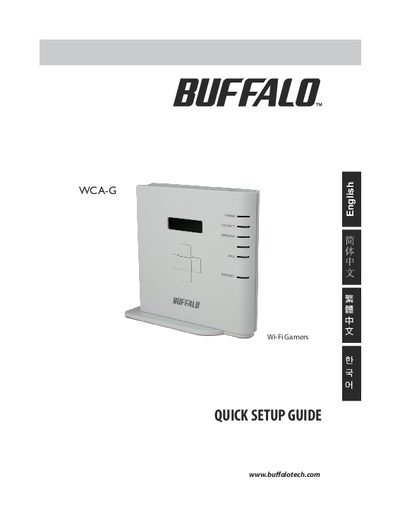
This guide introduces the Buffalo WCA‑G Wi‑Fi Gamers Access Point, lists the package contents, and explains its purpose as a wireless LAN access point for game consoles. It highlights that the device works in infrastructure mode and supports AOSS™ automatic wireless configuration.
The manual provides step‑by‑step instructions for assembling the unit, connecting power and LAN cables, and using the AOSS button to pair with a router. It includes specific procedures for connecting Nintendo DS and Sony PSP consoles, as well as default network settings.
| Supported configuration method | AOSS™ automatic wireless configuration |
|---|---|
| Default IP address | 192.168.11.100 |
| Operating mode | Infrastructure mode only |
Turn on the DS, open Wi‑Fi Settings, select AOSS, then press and hold the AOSS button on the WCA‑G until the Security LED flashes; the DS will then connect automatically.
Turn on the PSP, switch Wi‑Fi on, ensure the firmware is version 2.0 or later, go to Network Settings, and follow the on‑screen prompts to use AOSS for automatic configuration.
No, the device supports only infrastructure mode and does not support ad‑hoc mode.