
This document is a user manual for the BKVMPB401 product, providing instructions for installation and important notes.
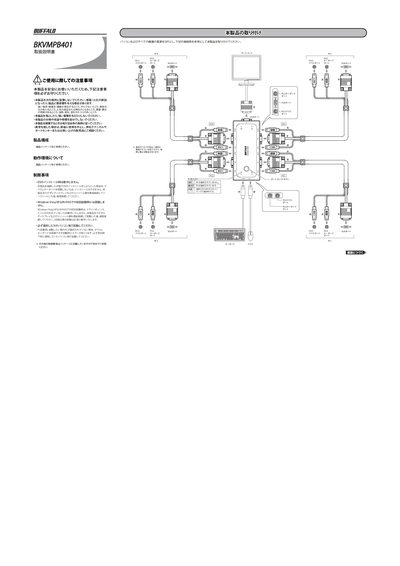
This document provides safety guidelines and installation steps for the Buffalo BKVMPB401 KVM switch, including warnings about placement, handling, and disposal. It also describes the required connections for PS/2 keyboard, PS/2 mouse and VGA display ports.
The manual details how to switch between 2‑4 connected PCs using the Scroll Lock key, how to use the auto‑scan mode (8‑second interval), and offers troubleshooting tips for keyboard/mouse issues, display problems, and warranty contact information. This manual is written in Japanese.
| Supported PCs | 2‑4 PCs |
|---|---|
| Display connector | VGA port |
| Auto‑scan interval | 8 seconds |
Ensure the keyboard/mouse connectors are securely attached, verify the cables are properly connected, turn off auto‑scan mode, and power cycle all PCs before reconnecting.
Do not place the unit near strong static electricity, magnetic fields, direct sunlight, heat, moisture, oil smoke, dust, or in areas prone to electric shock or fire; do not drop or shock the unit; do not disassemble or modify it yourself.