
This Buffalo ADSL2+ wireless router setup guide introduces how to connect and set up the ADSL2+ wireless router, including dialing, connecting to the Internet, and setting up a wireless network.
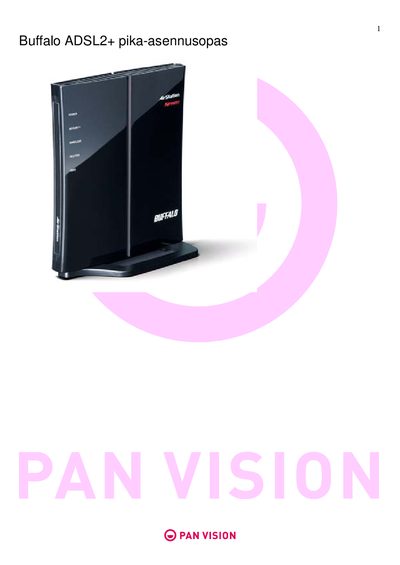
The guide walks you through the physical installation of the WHR‑G300N router, including connecting the DSL cable, Ethernet cable, and power adapter. It also explains how to start the guided installation from the supplied CD and how to perform a manual installation using a web browser.
After the hardware is set up, the document details wireless configuration, showing where to find the default SSID and encryption key on the router label, how to change wireless settings, and how to connect devices using Windows XP or Windows 7. It also lists required ISP parameters such as VPI/VCI values and connection types.
| Supported VPI/VCI values | Sonera 0/33, Elisa/Saunalahti/DNA 0/100 |
|---|---|
| Supported connection types | PPPoE, PPPoA, dynamic IP, static IP |
Connect the DSL cable to the DSL port on the router as shown in the installation steps.
The default SSID and encryption key are printed on a label on the bottom of the router.
Use 0/33 for Sonera, and 0/100 for Elisa, Saunalahti, or DNA.