
This document describes the installation and driver installation steps for the GX-DVI/U2B-AP product. The product can connect a computer to up to 6 monitors and provides digital RGB output.
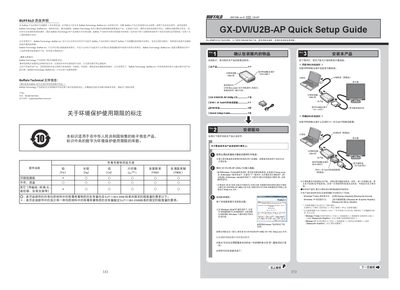
The Quick Setup Guide begins with warranty information for Buffalo products and lists the items included in the package, such as the GX-DVIU2B-AP adapter, a DVI‑Sub15 converter, a USB cable and the utility CD. It explains the recommended installation order, emphasizing that the adapter should not be connected to the computer until the driver software is installed.
After installing the driver from the utility CD (or a copied USB stick), the guide details how to connect monitors using either the digital‑RGB port or the DVI‑I to D‑Sub15 converter, how to configure display settings in Windows, and how to handle common issues such as missing images, USB power limitations, or driver installation failures. This manual is written in Chinese.
| Dimensions | 50 mm × 77 mm × 22 mm (excluding protrusions) |
|---|---|
| Weight | ≈55 g (main unit only) |
| Maximum USB Power Consumption | 2.5 W |
| Operating Temperature | 5 °C – 35 °C |
| Operating Humidity | 20 % – 80 % RH |
| Maximum Simultaneous Displays | 6 |
The adapter can drive up to six monitors simultaneously.