
This document is a MiniStation setup guide, which includes product features, usage methods and installation methods
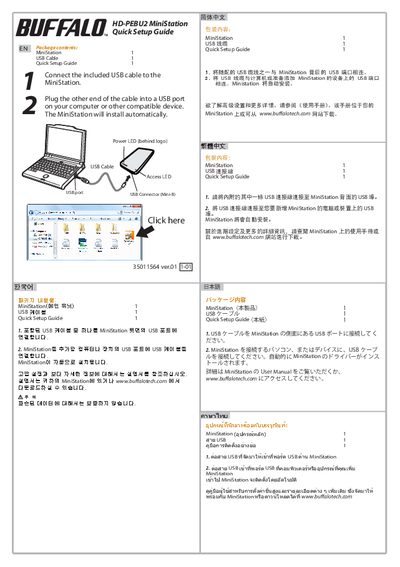
The guide provides simple steps to connect the MiniStation using the included USB cable. Plug one end into the MiniStation’s side USB port and the other end into a USB port on a computer; the device installs automatically.
It also explains the meaning of the Power and Access LEDs and points to the full user manual and online resources for more detailed configuration information.
Connect the included USB cable to the MiniStation and then to a USB port on your computer; the MiniStation will install automatically.