
Quick start guide for the ATEN VK248 8-channel relay expansion box, covering components, installation, configuration, and firmware upgrades.
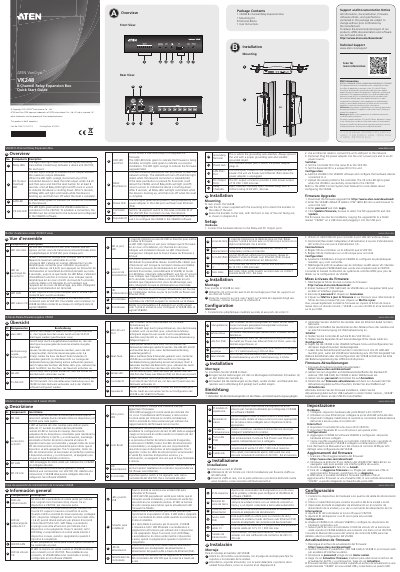
The ATEN VK248 8-Channel Relay Expansion Box quick start guide describes the panel components, LED indicators, mounting, hardware setup, switches, configuration, and firmware upgrade procedures.
It also lists relay channel and DC output ratings, the default IP address, overload behavior, and reset procedures.
| Relay channels | Eight channels; normally open, isolated relays; contact rating 24 VDC, 2A max |
|---|---|
| DC output | 12 VDC / 300 mA max total |
| DC overload limit | Keep total output under 3.6 W |
| Default IP address | 192.168.0.60 |
| Power input | Power adapter or LAN port via Power over Ethernet (PoE) |
| Controller ID switch | 16-segment switch |
| Expander ID switch | 8-segment switch |
It indicates that the DC output exceeds the maximum output allowable.
The default IP address is 192.168.0.60.
It lights green when the VK248 establishes a connection to the VK2100.