
This user manual provides installation, operation, and maintenance instructions for the ATEN CS-1772 and CS-1774 KVM switches.
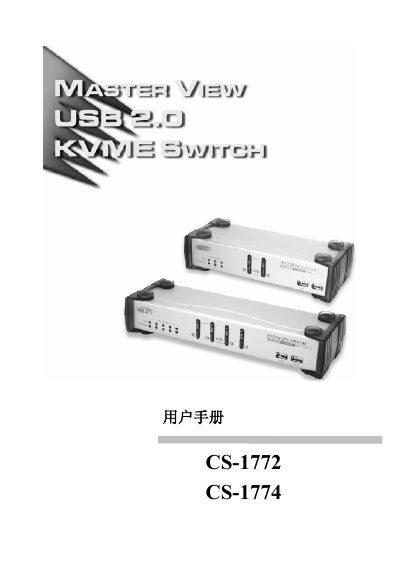
The document serves as a comprehensive guide for the ATEN CS-1772 and CS-1774 KVM Switches. It covers safety precautions, rack installation procedures, and detailed hardware requirements including ports and connections.
The manual explains various switching methods such as manual buttons, hotkeys, port cycling, and automatic scanning. It also details how to configure the Hotkey Setting Mode (HSM), update firmware, and troubleshoot common issues like unresponsive devices or USB errors.
| Power Consumption (CS-1772) | DC5.3V; 4.5W; 900mA |
|---|---|
| Video Resolution Support | Up to 2048 x 1536 |
The default scan interval is 5 seconds, with a configurable range of 1 to 99 seconds.
To reset the hotkey combination, remove and re-insert the cable from the control end port.
You need to reset the KVM switch by turning off all devices, waiting five seconds, and then restarting.