
User manual for the ATEN KN1108VA and KN1116VA 8/16-port Cat 5 KVM over IP switches, covering installation, login, port access and device management.
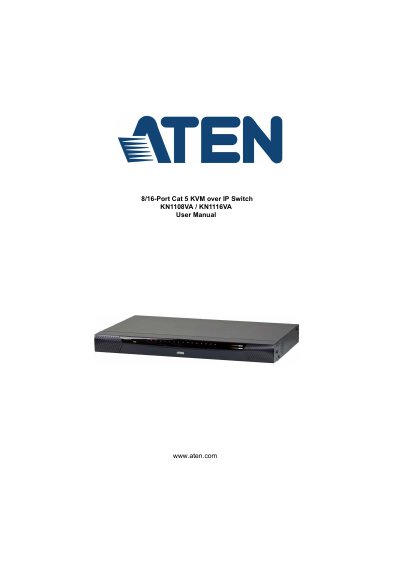
The ATEN KN1108VA / KN1116VA is an 8/16-port Cat 5 KVM over IP switch. The manual covers package contents, hardware setup including single-stage and two-stage installation, rack mounting, hot plugging, PDU installation, and port selection. It also describes first-time Super Administrator setup and logging in from the local console, a browser, or the Windows and Java Client APs.
The guide explains the web browser, AP GUI and local console interfaces, port access, user and group management, device management for KVM and PON devices, and logs. It lists product specifications in an appendix and includes an index.
| Computer Connections (Direct) | KN1108VA: 8; KN1116VA: 16 |
|---|---|
| Maximum Computer Connections | KN1108VA: 128 via cascade; KN1116VA: 256 via cascade |
| Computer (KVM) Ports | 8 x RJ-45 Female (KN1108VA); 16 x RJ-45 Female (KN1116VA) |
| LAN Ports | 2 x RJ-45 Female |
| Video Resolution | 1920 x 1200 @ 60 Hz |
| Scan Interval | 1-255 sec. |
| Input Power | 100-240V AC; 50-60 Hz; 1A |
| USB Ports | 3 x USB Type A Female (White) |
| Power Connectors | 2 x 3-prong AC socket |
The KN1108VA has 8 direct computer connections and the KN1116VA has 16.
It supports 1920 x 1200 @ 60 Hz.
The switch accepts 100-240V AC; 50-60 Hz; 1A.
The scan interval range is 1-255 sec.