
ATEN KL1508A/KL1516A High-Density Dual-Rail LCD KVM Switch User Manual

This user manual covers the installation, operation, OSD configuration, and hotkey usage for ATEN KL1508A (8-port) and KL1516A (16-port) high-density…
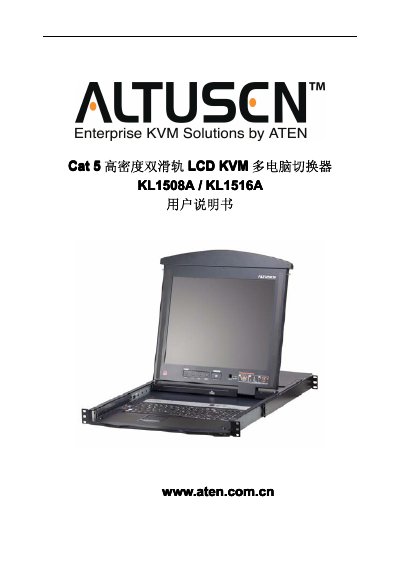

ATEN KL1508A/KL1516A High-Density Dual-Rail LCD KVM Switch User Manual - cover page
Brand
ATEN
Category
Other Computer Accessories
Document type
User Manual
Language
Chinese
Pages
93
File format
PDF
File size
3.1 MB
Published
25 October, 2026
Updated
25 October, 2026
MD5 checksum
F0BC319E2ECFF91E46CCE64AF33300F1

About this manual

The document serves as a comprehensive guide for the ATEN KL1508A and KL1516A High-Density Dual-Rail LCD KVM Switches. It details hardware installation, including rack mounting and daisy-chain configurations, as well as basic operational procedures such as turning on/off the unit and navigating the On-Screen Display (OSD). This manual is written in Chinese.

What's inside

  • FCC Information
  • User Registration
  • Package Contents
  • System Requirements
  • Hardware Installation
  • Basic Operation
  • LCD OSD Configuration
  • Hotkey Operations
  • Keyboard Emulation
  • Firmware Update

Specifications

Computer Connections (Direct)8 for KL1508A, 16 for KL1516A
Monitor Connector1 x HD-15 Female
Power Input3-pin AC Power Socket

Frequently asked questions

How many computers can the KL1508A connect directly?

The KL1508A can connect up to 8 computers directly.

Download PDF (3.1 MB)

More ATEN Manuals


View all ATEN manuals →