
User manual for the ATEN KH1508 Ai / KH1516 Ai Cat 5 High-Density KVM Over the NET Switch covering setup, OSD, port access, and device management.
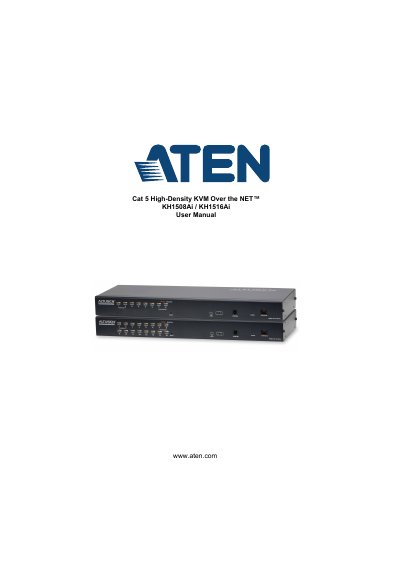
This manual covers the ATEN KH1508 Ai and KH1516 Ai, Cat 5 High-Density KVM Over the NET Switches. It describes package contents, components and front and rear views, hardware setup including stacking, rack mounting and daisy chaining, and basic operation including port selection and hot plugging.
The manual also covers OSD operation, logging in, the user interface, port access, user management, device management, log, maintenance, download, port operation, and log server installation. The specifications section lists computer connections, connectors, switches, LEDs, emulation, video resolution, scan interval, and power consumption for both models.
| Computer Connections (Direct) | 8 (KH1508 Ai), 16 (KH1516 Ai) |
|---|---|
| Maximum Computer Connections | 128 (KH1508 Ai), 256 (KH1516 Ai) via daisy chain |
| Remote Video Resolution | 1600 x 1200 @ 60Hz |
| Scan Interval | 1–255 secs |
| I/P Rating | 100–240V AC; 50/60Hz; 1A |
| Power Consumption | 120V/12.5W; 230V/12.7W |
The KH1508 Ai supports 8 direct computer connections and the KH1516 Ai supports 16. The maximum via daisy chain is 128 and 256 respectively.
Port selection is by OSD, Hotkey, or Pushbutton.
Remote video resolution is 1600 x 1200 @ 60Hz.
The I/P rating is 100–240V AC; 50/60Hz; 1A.