
ATEN CS-72E/CS-74E 2/4 Port PS/2 KVM Switch User Manual

User guide for ATEN's 2/4 port PS/2 KVM switch with installation, operation, and hotkey instructions.
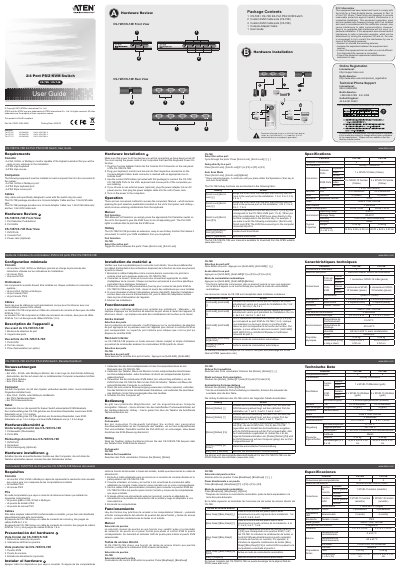

ATEN CS-72E/CS-74E 2/4 Port PS/2 KVM Switch User Manual - cover page
Brand
ATEN
Document type
User Manual
Language
Chinese
Pages
2
File format
PDF
File size
1.8 MB
Published
09 November, 2026
Updated
09 November, 2026
MD5 checksum
1ECB4806FE548AB0123088E19FBDD73B

About this manual

This manual explains how to install and operate the ATEN CS-72E/CS-74E 2/4 port PS/2 KVM switch. It covers hardware setup, connecting devices, and using manual or hotkey methods to switch between computers. The CS-74E includes additional hotkey functions for direct port access and auto scan mode. This manual is written in Chinese.

What's inside

  • Hardware Installation
  • Operation
  • Manual Port Selection
  • Hotkey Functions
  • CS-74E Hotkey Table

Frequently asked questions

What ports does the CS-72E/CS-74E switch have for connecting computers?

The switch has KVM ports for connecting computers.

What cables are included with the CS-74E model?

The CS-74E includes one console adapter cable, two 1.2m KVM cable sets, and two 1.8m KVM cable sets.

How do you switch between ports manually on the CS-72E/CS-74E?

Press the appropriate Port Selection pushbutton on the front panel to switch to the corresponding port.

What hotkey combination switches KVM focus to port 4 on the CS-74E?

Press [Scroll Lock], [Scroll Lock], [F4] to switch to port 4.

Download PDF (1.8 MB)

More ATEN Manuals


View all ATEN manuals →