
Quick guide for installing, powering, and configuring the ATC-405 industrial managed Ethernet switch.
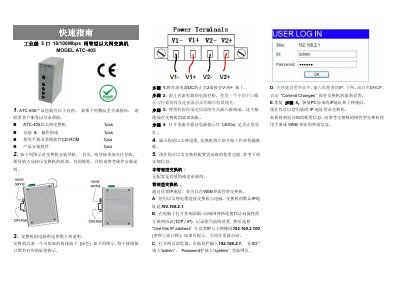
This quick guide explains how to install the ATC-405 switch, connect its power, and configure its network settings. It includes steps for mounting the unit, connecting DC power, and setting up IP configuration via web interface. The guide assumes basic familiarity with networking and PC settings.
For advanced configuration or troubleshooting, refer to the full user manual or the web interface help. This manual is written in Chinese.
The default IP address is 192.168.2.1.
Connect the switch to your computer via Ethernet, open a browser, and enter 192.168.2.1. Log in with ID 'admin' and password 'system'.