
ATC ATC-3000 TCP/IP to RS232/422/485 Converter User's Manual

This manual introduces the hardware and software installation, configuration and use of ATC-3000 TCP/IP to RS232/422/485 Converter products.
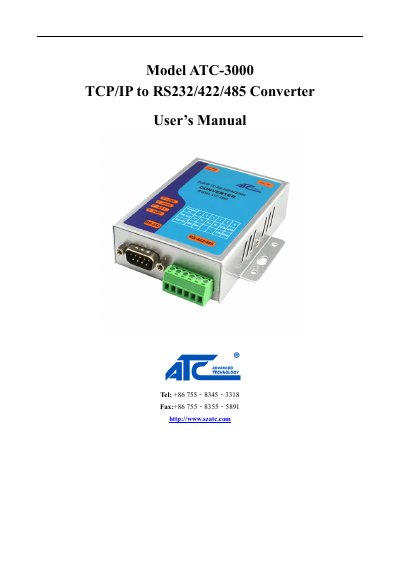

ATC ATC-3000 TCP/IP to RS232/422/485 Converter User's Manual - cover page
Brand
ATC
Category
Other Electronics
Document type
User Manual
Language
English
Pages
22
File format
PDF
File size
783 KB
Published
12 October, 2023
Updated
12 October, 2023
MD5 checksum
DD799DFFD29D1735E745A66F600A3A24

About this manual

The ATC ATC-3000 is a rugged metal housing device designed to transmit data between serial devices (RS-232, RS-422, RS-485) and TCP/IP networks. It supports full-duplex bi-directional transmission and operates on a 9~24VDC power input range for industrial automation applications.

What's inside

  • Introduction
  • Hardware Setup
  • LED Indicators
  • Installation Procedures
  • Software Setup
  • Configuration by Telnet
  • Configuration Using Web Browser
  • Diagnostics

Frequently asked questions

What is the default IP address for the ATC-3000?

The default IP address is 192.168.0.250.

What are the default login credentials for the system?

The default user name is 'admin' and the password is blank.

How do you check if Ethernet is working at 100Mbps?

Check the SPEED LED; it will be On when Ethernet is working in 100Mbps.

Download PDF (783 KB)

More ATC Manuals


View all ATC manuals →