
This guide covers the installation, operation, DIP switch settings, and MiniConfig software usage for the AJA V2Analog digital to analog video converter.
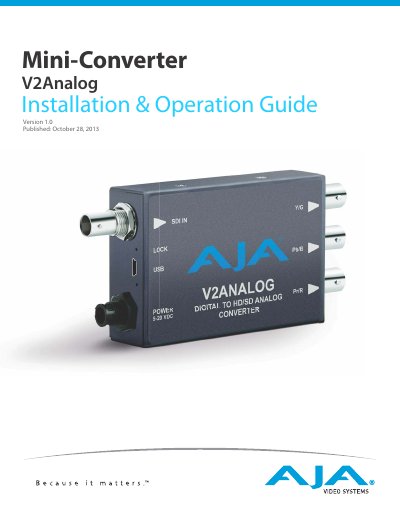
The AJA V2Analog is a high-quality, cost-effective digital to analog video converter designed to integrate analog equipment such as monitors and tape decks into digital workflows. It performs SDI digital to component or composite analog conversion at either SD or HD resolutions with a full 10-bit data path.
| Data Path | 10-bit data path |
|---|---|
| Input | HD/SD-SDI, SMPTE-259/292 |
| Output (HD) | YPbPr or RGB component |
| Output (SD) | Component/Composite/YC |
| Power Input | +5-20 VDC, 3 watts |
Configuration can be set by on-unit DIP switches or remotely via AJA MiniConfig software control over USB.
Yes, the MiniConfig application can be used to update Mini-Converter firmware released by AJA.