
This manual describes how to install and operate Aja KiPro devices, including installation, hardware connections, and software settings.
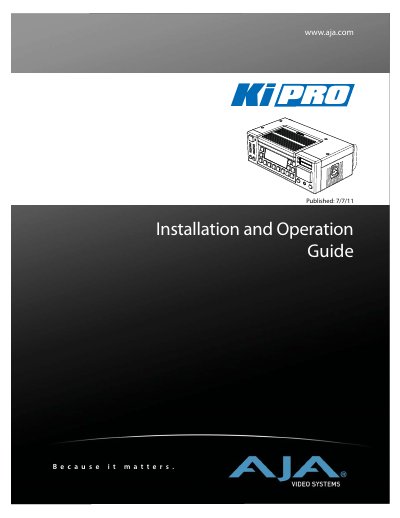
The AJA Ki Pro is a professional video recording device designed for use with Final Cut Pro. This manual provides instructions on installing the unit, connecting various inputs such as SDI, HDMI, and analog audio/video, and powering the device via AC or DC sources.
The guide details the operation of the front panel controls and menu systems, including Transport mode for recording and playback, Media management for formatting and naming clips, and Configuration menus for adjusting video formats, audio levels, and network settings. It also explains how to control the Ki Pro remotely using a web browser or wireless devices.
The hard-disk based Storage Modules are warranted to be free from defects in materials and workmanship for a period of one year from the date of purchase.
Yes, you can control the Ki Pro via Ethernet or wireless devices using a web browser interface.