
This is a manual for installation and operation of Aja devices
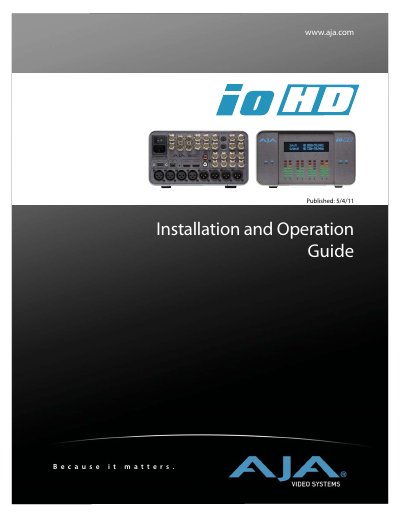
The AJA Io HD is a portable, plug-in solution designed for working with HD and SD video in Final Cut Studio 2 or newer. It connects to a Mac Pro or MacBook Pro via a single FireWire 800 connection and uniquely supports Apple ProRes 422 codecs natively in hardware. This capability enables true 10-bit video editing in full-raster and 4:2:2 quality, bringing production-quality HD editing to the desktop.
| Codec Support | Apple ProRes 422, Apple ProRes 422 HQ |
|---|---|
| Video Resolution | SD, HD 720/1080 |
| Bit Depth | 10-bit |
| Connection Type | FireWire 800 |
| Audio Channels | 8-channel |
The Io HD supports Apple ProRes 422 and Apple ProRes 422 HQ codecs, including LT and Proxy versions.
It connects to a Mac Pro or MacBook Pro using a single FireWire 800 cable.
Yes, it features a Stand Alone Mode to use as a converter without a computer attached.