
This is an installation and operation guide for AJA Io Express
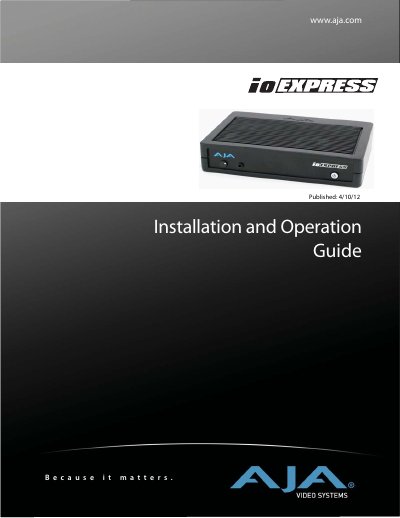
The AJA Video io Express is a portable, cross-platform interface designed for Mac and PC users working with Apple ProRes Formats, XDCAM HD, DVCPRO HD, and other formats. It serves as an inexpensive solution for monitoring and mastering video workflows.
This manual covers the installation of hardware and software on both Mac OS X and 64-bit Windows 7 systems. It details system requirements, cabling connections including SDI, HDMI, and analog outputs, and provides step-by-step instructions for using the AJA Control Panel to manage settings such as video formats, audio setup, timecode, and firmware.
| Video Input/Output | HD/SD-SDI input and output; HDMI 1.3a input and output |
|---|---|
| Component Video Output | Component Video output for monitoring |
| Audio Output | 2-channel RCA audio output |
| Power Supply | 12V DC power supply |
| Operating Systems | Mac OSX and 64-bit Windows 7 operating systems |
The device supports HD/SD-SDI, HDMI 1.3a, Component Video output, and LTC I/O.
The device requires 64-bit Windows 7 operating systems.