
This document describes the features and characteristics of the Posiflex POS system, including unique design and easy maintenance structure, hardware configuration, network functionality, etc.
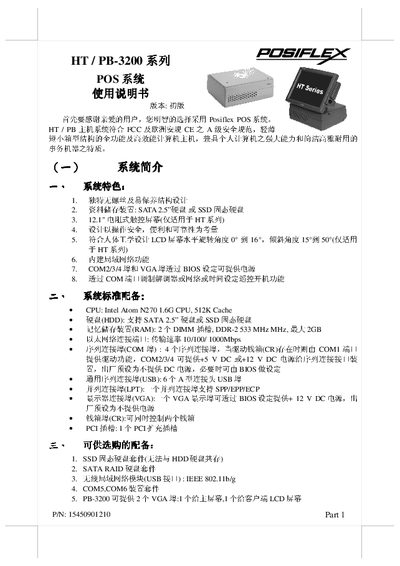
The Posiflex HT/PB-3200 series is a compact POS terminal that combines a PC‑compatible core with a touchscreen display. It complies with FCC and CE safety standards and offers a range of configurable interfaces such as Ethernet, USB, COM, VGA, and optional expansion cards.
The manual provides step‑by‑step installation instructions, details on optional accessories (e.g., barcode scanner, printer, cash drawer), usage guidelines for the touchscreen and peripheral ports, and maintenance procedures including ventilation cleaning and firmware recovery. This manual is written in Chinese.
| CPU | Intel Atom N270 1.6 GHz, 512 KB cache |
|---|---|
| Storage | SATA 2.5" HDD or SSD |
| Ethernet | 10/100/1000 Mbps |
| COM ports | 4 serial ports (COM1‑4), COM2‑4 can supply 12 V DC |
| USB ports | 6 Type‑A USB 2.0/1.1 ports |
| Parallel port | 1 LPT port supporting SPP/ECP |
| VGA port | 1 VGA port, optional +12 V DC power via BIOS |
| Display | 12.1" LCD touchscreen (HT series only) |
It uses an Intel Atom N270 processor running at 1.6 GHz with a 512 KB cache.
The system provides six USB Type‑A ports supporting USB 2.0 and USB 1.1.
Yes, the VGA port can be configured in the BIOS to supply +12 V DC to the LCD screen.
The terminal can run WEPOS, POSReady Windows 7, or Linux.