
The PP-5700 series of three-part invoice printers are designed for three-part invoices. It has features such as automatic paper feeding and alignment, detection of paper jams and invoice expiration, and indication of paper jams and invoice expiration by lights and sound, input buffer storage with 8K bytes of memory (about 20 invoices), and the ability to receive data while printing.
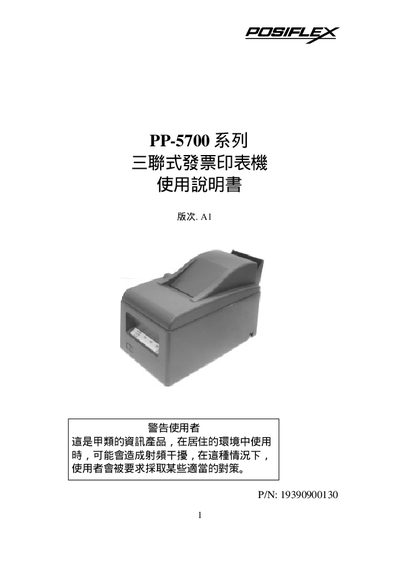
The PP-5700 series is a triple‑type invoice printer designed for POS applications. It features high‑speed printing up to about 4.4 lines per second, multiple interfaces (RS‑232 serial and Centronics parallel), and internal memory of 8 KB to buffer roughly 20 tickets. The printer includes separate storage slots for up to 250 blank tickets and printed stubs, and supports Chinese BIG‑5 fonts with 16×9 and 16×16 character sizes.
The manual provides step‑by‑step installation instructions, details on connecting power and data interfaces, paper handling procedures (automatic and manual feeding), self‑test routines, and a troubleshooting guide for common issues such as power‑on failures and print errors. This manual is written in Japanese.
| Printing speed (PP-5700) | ≈ 4.4 lines per second |
|---|---|
| Printing speed (PP-5720) | ≈ 2.2 lines per second (Chinese characters) |
| Interfaces | RS‑232 serial, Centronics parallel |
| Internal memory | 8 KB (≈ 20 tickets) |
Power on the printer, wait at least three seconds, then press the self‑test button while keeping the paper feed engaged; the printer will run a test print.