
Posiflex Aura-6800 Thermal Printer User Manual

This document introduces the operating instructions for Posiflex machines, including starting, stopping, and maintenance
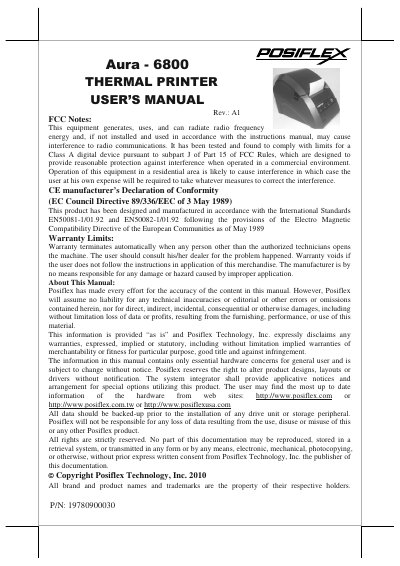

Posiflex Aura-6800 Thermal Printer User Manual - cover page
Brand
POSIFLEX
Category
Printer
Document type
User Manual
Language
English
Pages
20
File format
PDF
File size
2.8 MB
Published
06 August, 2012
Updated
30 September, 2023
MD5 checksum
15C6C074048EAA5370F7739F0405FD94

About this manual

The Posiflex Aura-6800 series is a low noise, high resolution thermal printer designed for Point-of-Sale (POS), kitchen, and kiosk applications. It supports UPOS 1.8 standards and comes in various interface models including Serial, Parallel, LAN, USB, and Wireless (Wi-Fi). The device features an auto-cutter mechanism and supports multiple languages.

What's inside

  • FCC Notes
  • Warranty Limits
  • Product Briefing
  • Unpacking
  • Indicators
  • Loading Paper
  • Connecting Cables
  • Power Connection

Frequently asked questions

What is the standard paper width for this printer?

The standard thermal sensitive paper roll width is 80 mm.

How do you clear a paper jam?

Push the Hood Release Button directly to release the top hood and remove the jammed paper.

What is the default serial communication protocol?

The default protocol is 115,200 bps, none parity, 8 data bits, and 1 stop bit.

Download PDF (2.8 MB)

More POSIFLEX Manuals


View all POSIFLEX manuals →