
HP Scanjet 7600 Series Scanner is a multi-function scanner that supports scanning documents, photos, graphics, slides and negatives, and can use HP Image Zone software to manage and enhance the scanned content.
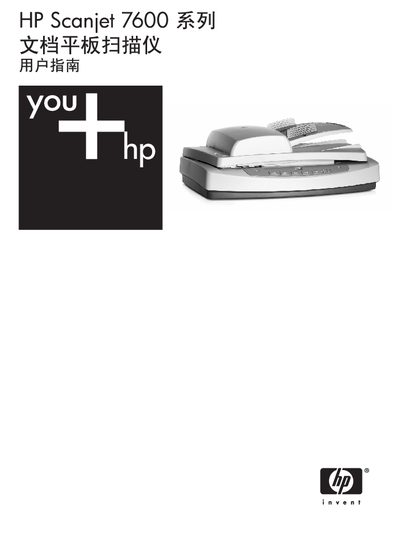
This manual guides Windows users through setting up the HP Scanjet 7600 Series flat‑bed scanner, installing the supplied software, and using the front‑panel controls. It covers scanning documents or images, saving files, emailing scans, and making copies.
Detailed sections explain how to operate the automatic document feeder (ADF) and the transparent material adapter (TMA) for slides and negatives, provide care and maintenance tips, and offer troubleshooting steps for common issues. Regulatory and technical specifications are listed at the end of the document. This manual is written in Chinese.
| Scanner type | Flatbed scanner with ADF and TMA |
|---|---|
| Weight | 5.7 kg (12.6 lb) |
| Dimensions | 488 mm × 340 mm × 162 mm (19.21 × 13.39 × 6.38 in) |
| Optical resolution | 2400 × 2400 dpi |
| Interface | USB 2.0 High Speed |
| Power supply | 100‑240 V, 50/60 Hz worldwide |
The ADF accepts A4, Letter or Legal size paper (210 mm × 355.6 mm).
The scanner provides an optical resolution of 2400 × 2400 dpi.
Yes, the scanner complies with Energy Star® specifications.