
The HP Scanjet 4800 Series manual explains installation, operation, film scanning, maintenance and troubleshooting for the photo scanner.
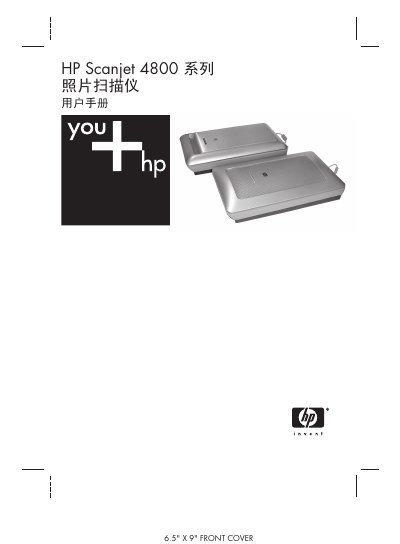
This manual provides step‑by‑step instructions for installing the HP Scanjet 4800 Series scanner, initializing the device, and using the HP Solution Center and HP Image Zone software to scan photos, documents, and film. It also covers how to select scan settings, preview images, and share or copy scanned results.
Additional sections describe care and maintenance procedures such as cleaning the glass plate and the Transparent Material Adapter (TMA), troubleshooting common issues, and locating product support and regulatory information. Technical specifications for the 4850 and 4890 models are listed in the final chapter. This manual is written in Chinese.
| Scanner type | Flatbed scanner with Transparent Material Adapter (TMA) |
|---|---|
| Dimensions (4850 model) | 505 x 300 x 100 mm |
| Weight (4850 model) | 4.66 kg |
| Scan element | Charge‑coupled device |
| Interface | USB 2.0 High Speed |
| Optical resolution | 4800 x 9600 dpi |
| Selectable resolution | 12 dpi to 999,999 dpi |
| AC line voltage | 100–240V – 50/60 Hz |
Double‑click the “HP Solution Center” icon on the desktop, or open Start → Programs → HP → HP Solution Center and select the scanner tab.
Use a soft, lint‑free cloth to gently wipe the glass plate as described in the “Cleaning the scanner glass plate” section.
Install the Transparent Material Adapter (TMA), place up to four slides in the slide holder, then press the Scan Film button to capture the images.
In the “Regulatory Information and Product Technical Specifications” chapter (pages 25‑26) you will find dimensions, weight, resolution and other specs.