
User guide for HP Color LaserJet 1600 printer
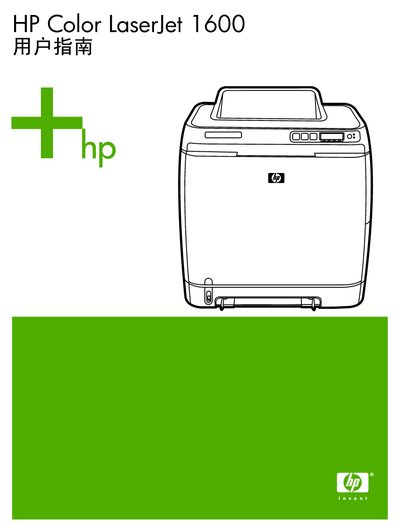
This manual covers the basic information of the HP Color LaserJet 1600 printer, including hardware components, software drivers, and supported operating systems. It guides users through initial setup, printer configuration, and daily use such as loading media, printing jobs, and adjusting color settings.
Later sections describe maintenance tasks like cleaning and calibrating the printer, replacing consumables, and troubleshooting common problems such as paper jams, print quality issues, and error messages. Appendices provide ordering information, warranty details, and regulatory compliance. This manual is written in Chinese.
| Paper thickness | 0.094 – 0.18 mm |
|---|---|
| Paper pH range | 5.5 – 8.0 pH |
| Maximum paper curl | ≤ 5 mm |
| Maximum media temperature | 210 °C (0.1 s heating) |
| Recommended media humidity | 4 % – 6 % (by weight) |
The manual provides step‑by‑step instructions for removing the used cartridge and installing a new one on page 52.
Use the HP Toolbox to clean the heating component as described on pages 66‑67.