
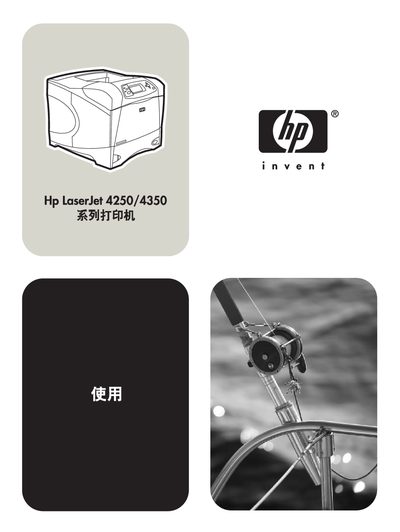
This user guide covers everything you need to install, configure, and operate the HP LaserJet 4250 and 4350 series printers. It includes detailed information on printer hardware, control panel functions, paper handling, printing options, and software installation.
The manual also provides troubleshooting steps, maintenance procedures, and instructions for ordering consumables and accessories. Links to HP support sites and driver downloads are included for easy access to the latest software updates. This manual is written in Chinese.
| Product number | Q5400-90923 |
|---|---|
| Optional 1,500‑page paper tray capacity | 1,500 pages |
| Standard paper tray 1 envelope capacity | 10 envelopes |
| Optional envelope feeder capacity | 75 envelopes |
| Maximum labels per tray | 100 labels (other trays) or 50 labels (tray 1) |
You can order supplies from HP’s regional websites, such as http://www.hp.com/sbso/product/supplies for the United States.
Driver software and updates are available at http://www.hp.com/go/lj4250_software or http://www.hp.com/go/lj4350_software.
The product number is Q5400-90923.
The optional envelope feeder can hold up to 75 envelopes.