
HP Officejet J5700 All-in-One series Help provides information about the features and characteristics of the product, how to use the product, and important safety information.
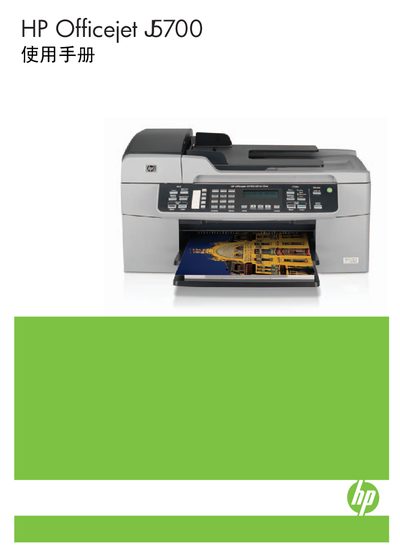
This manual covers the HP Officejet J5700 All-in-One series, describing the control panel, supported media, and connection options. It guides users through initial setup, language and region configuration, and how to use printing, copying, scanning and fax functions.
Additional sections detail routine maintenance such as cleaning the glass plate and replacing ink cartridges, as well as troubleshooting tips, technical specifications, and warranty information. This manual is written in Chinese.
| Supported paper sizes | A4, Letter, Legal, 4×6 in photo paper |
|---|---|
| Supported media types | plain paper, photo paper, envelopes, index cards |
| USB connection | Standard USB cable supported |
| Power supply | Use HP supplied power adapter only |
From the setup menu select "设置您的语言和国家(地区)" and choose the desired language and region.
Connect a standard USB cable from the printer’s USB port to the computer and install the HP driver software.