
This document is a reference manual for the HP PSC 1118/1218 series all-in-one printer, highlighting its features and characteristics.
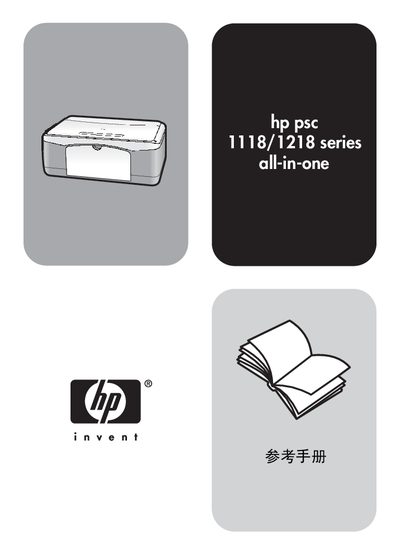
The HP PSC 1118/1218 Series All-in-One is a multifunctional device capable of printing, copying, and scanning. Users can operate the device via the front panel buttons for standalone copying or through the HP Photo and Imaging Director software on Windows and Macintosh computers for advanced control.
This manual provides detailed instructions on loading various paper types, using the copy and scan functions, and performing routine maintenance such as ink cartridge replacement and glass cleaning. This manual is written in Chinese.
The check paper status light will illuminate to indicate that paper needs to be loaded or a paper jam needs to be cleared.
For the HP PSC 1218 Series, you can turn off the device by holding the 'Start/Resume' button for three seconds.