
This is a document about the user guide for the HP LaserJet 1022nw wireless printer. The document provides information on network basics, support information for installing the printer on a wireless network, and troubleshooting tips. It also includes regulatory information and environmental product management plans.
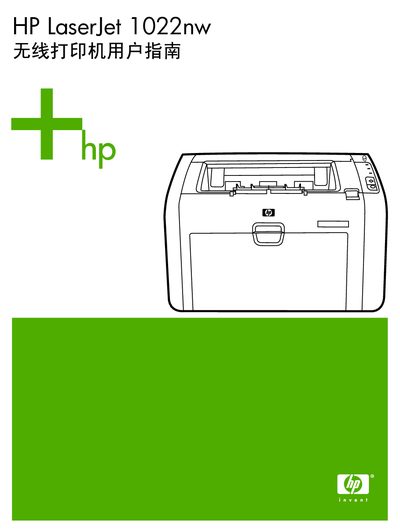
This guide provides HP LaserJet 1022nw owners with the information needed to configure the printer for wireless operation, understand basic Wi‑Fi concepts, and resolve common issues. It includes sections on network fundamentals, step‑by‑step installation support, and detailed regulatory information.
The manual also covers wireless security options, channel selection, and how to reset the printer to factory defaults. Appendices contain compliance statements and an index for quick reference. This manual is written in Chinese.
| Toner cartridge model | Q2612A |
|---|---|
| Safety standard | IEC 60950-1:2001 |
| EMC standard | CISPR 22:1997 |
| Wireless protocol | IEEE 802.11b/g |
| Regulatory model for wireless module | BOISB-0410-00 |
Use the reset option in the printer’s menu to restore factory default settings.
The printer supports IEEE 802.11b/g wireless protocols.
No, the HP LaserJet 1022nw cannot use wired and wireless connections simultaneously.