
CS-1754/CS-1758 USB KVM switch is a control device that provides access to 4 (CS-1754) or 8 (CS-1758) computers through a set of USB (keyboard, mouse, monitor) control terminals.
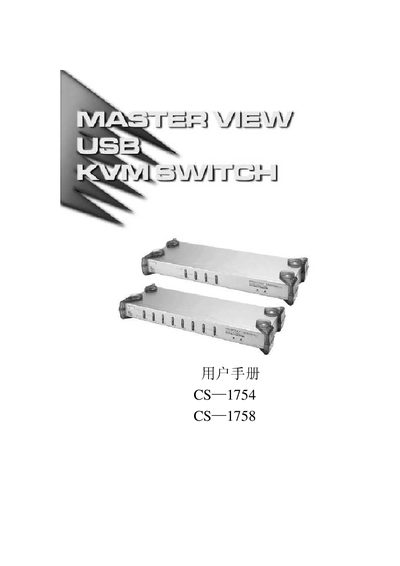
This manual describes the Master View CS-1754 and CS-1758 USB KVM switches, including their connectors, LED indicators, and supported video resolutions. It explains how to install the KVM, connect USB and PS/2 peripherals, and cascade multiple units.
Technical specifications such as power requirements, operating temperature range, and supported video modes are listed, along with troubleshooting tips and safety information for reliable operation.
| USB-Type-A ports | 2 (1x CPU, 1x MEH) |
|---|---|
| RJ-11 connector | 1 (RJ-11 #64) |
| Power supply | 5 V DC, 2.6 A |
| Maximum video resolution | 2048 × 1536 |
| Operating temperature | -20 °C to 60 °C |
| Relative humidity | 0 % to 80 % RH |
The device provides two USB‑Type‑A ports: one for the CPU and one for the MEH.
It supports a maximum video resolution of 2048 × 1536.
The KVM requires a 5 V DC power supply capable of delivering 2.6 A.
It operates between –20 °C and 60 °C.