
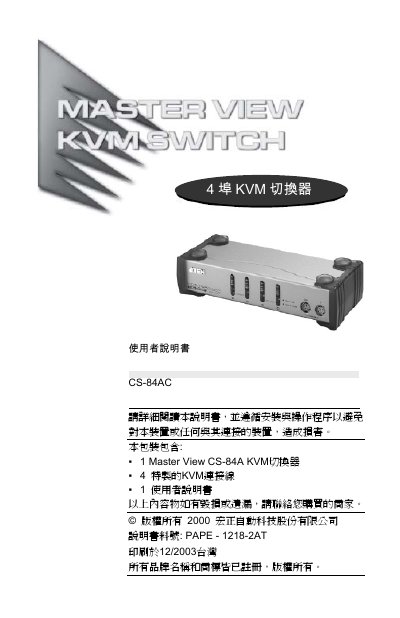
The Master View CS-84AC is a KVM switcher that allows one set of keyboard, mouse, and monitor to control four computers. It requires no software installation and supports all operating systems. The device features LED indicators, hot-swappable connections, and automatic scanning. It is designed for easy setup with PS/2 and VGA/SVGA/Multisync compatibility.
The manual includes installation instructions, connection details, troubleshooting tips, and specifications such as 1920x1440 resolution support and DDC/DDC2/DDC2B compatibility. It also addresses compatibility issues with Mac and Sun systems and provides guidance on using adapters for AT keyboards or PS/2-to-USB conversion. This manual is written in Chinese.
| Resolution Support | Up to 1920x1440 |
|---|---|
| Display Compatibility | VGA, SVGA, Multisync |
| Operating System Support | All operating systems |
| Power Requirement | No external power required |
| Hot-Swappable | Yes |
Up to 1920x1440 with DDC/DDC2/DDC2B support.
No, it operates without external power.
Yes, hot-swapping is supported without powering down the device.