
CS-1004, CS-1008 and CS-1016 are Master View KVM switches. They can connect to PCs and servers and allow users to control multiple computers through a single monitor and keyboard.
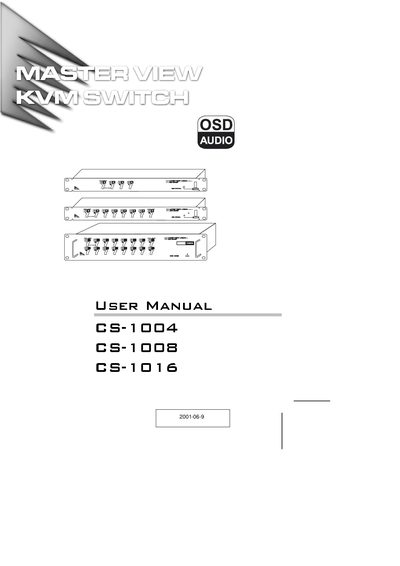
The Master View series from ATEN lets a single keyboard, monitor and mouse control multiple computers. Depending on the model, the unit can directly manage 4, 8, or 16 computers and, when daisy‑chained, up to 128, 256, or 512 systems.
This manual covers hardware requirements, cable connections, installation steps, OSD operation, troubleshooting, and full technical specifications. It also includes a limited warranty statement and contact information for support.
| Maximum computers (daisy chain) | 128 (CS-1004), 256 (CS-1008), 512 (CS-1016) |
|---|---|
| Power consumption (max.) | 4.5 W (CS-1004), 6.4 W (CS-1008), 8.6 W (CS-1016) |
| Weight | 2.65 kg (CS-1004), 2.85 kg (CS-1008), 3.75 kg (CS-1016) |
| Dimensions (L×W×H) | 483 × 154 × 44.5 mm (1U) for CS‑1004, 483 × 154 × 89 mm (2U) for CS‑1016 |
Reset the mouse (and keyboard) by simultaneously pressing Buttons 1 and 2 for three seconds, or unplug and re‑plug the mouse connector.
Use the DIP switches 1‑5 on the rear panel; each switch sets a bit of the station number.