
This document is the user manual for CS-1762/CS-1764, providing detailed information on FCC certification, installation, and usage precautions of the product.
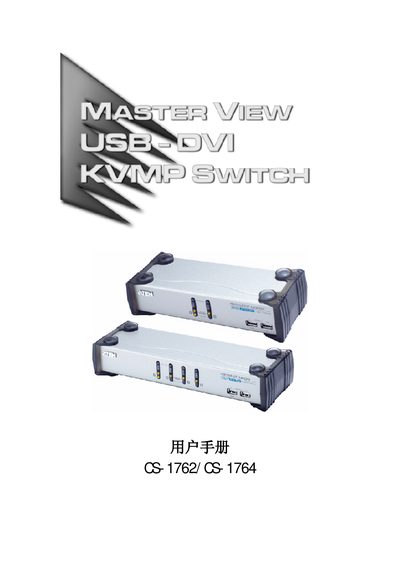
This manual describes the CS-1762 and CS-1764 KVMP‑USB/DVI switches, including safety precautions, hardware requirements, and wiring instructions. It also explains how to operate the device using front‑panel buttons, hot‑keys, and automatic scanning modes.
Additional sections cover firmware updates, troubleshooting, default hot‑key settings, and detailed product specifications such as port counts, power consumption, and environmental limits. This manual is written in Chinese.
| Host connections (CS‑1762) | 2 |
|---|---|
| USB peripheral ports (CS‑1762) | 2 × USB‑A |
| Maximum video resolution | 1920 × 1200 @ 60 Hz (DDC2B) |
| Power consumption (max) | 7.9 W (DC 5 V) |
| Operating temperature | 0 °C – 50 °C |
| Dimensions (CS‑1762) | 20.0 × 7.45 × 4.2 cm |
| Weight (CS‑1764) | 1 kg |
Use the USB reset hot‑key combination described in the manual (see page 20) to reset the USB port.