
This document is the safety guide of Casio Digital Piano Ck-1, mainly including notes and warnings. It details the risks that may occur during the use of the instrument and how to deal with them. It is recommended that users read this document carefully and understand the correct use method to avoid accidental injury
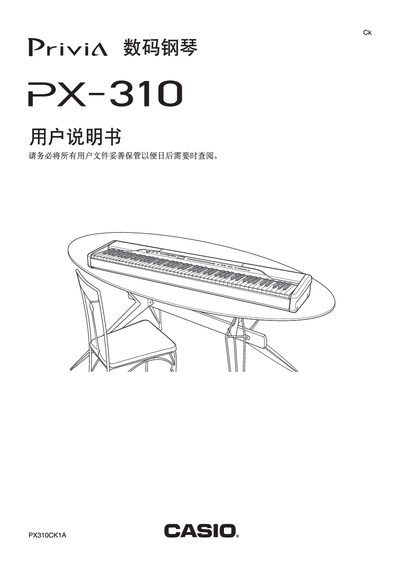
This manual begins with safety notices and general guidelines for installing and using the Casio PX-310 digital piano, covering proper handling of the power transformer, placement of the instrument, and precautions to avoid fire, electric shock, or injury. It also explains how to assemble the stand and secure the piano for stable operation.
The later sections describe how to connect accessories such as headphones, audio amplifiers, and pedals, how to select and adjust tones using the TONE and FUNCTION buttons, and provides a MIDI implementation chart and technical specifications for the instrument. This manual is written in Chinese.
| Variation tones | 12 |
|---|---|
| Advanced tones | 40 |
| GM tones | 128 |
| Power supply (AC transformer) | AD-12 |
| DC output voltage | 12V |
Insert a pair of headphones into the PHONES jack on the piano, which disables the internal speakers.
Plug the dedicated AC transformer AD-12 into a standard household outlet and connect it to the piano’s power input.
Press one of the 12 TONE buttons to choose a main tone, use the VARIATION button for variation tones, or select ADVANCED/GM tones with the corresponding buttons.
Connect a compatible pedal to the DAMPER PEDAL or SOFT/SOSTENUTO PEDAL jack on the piano.